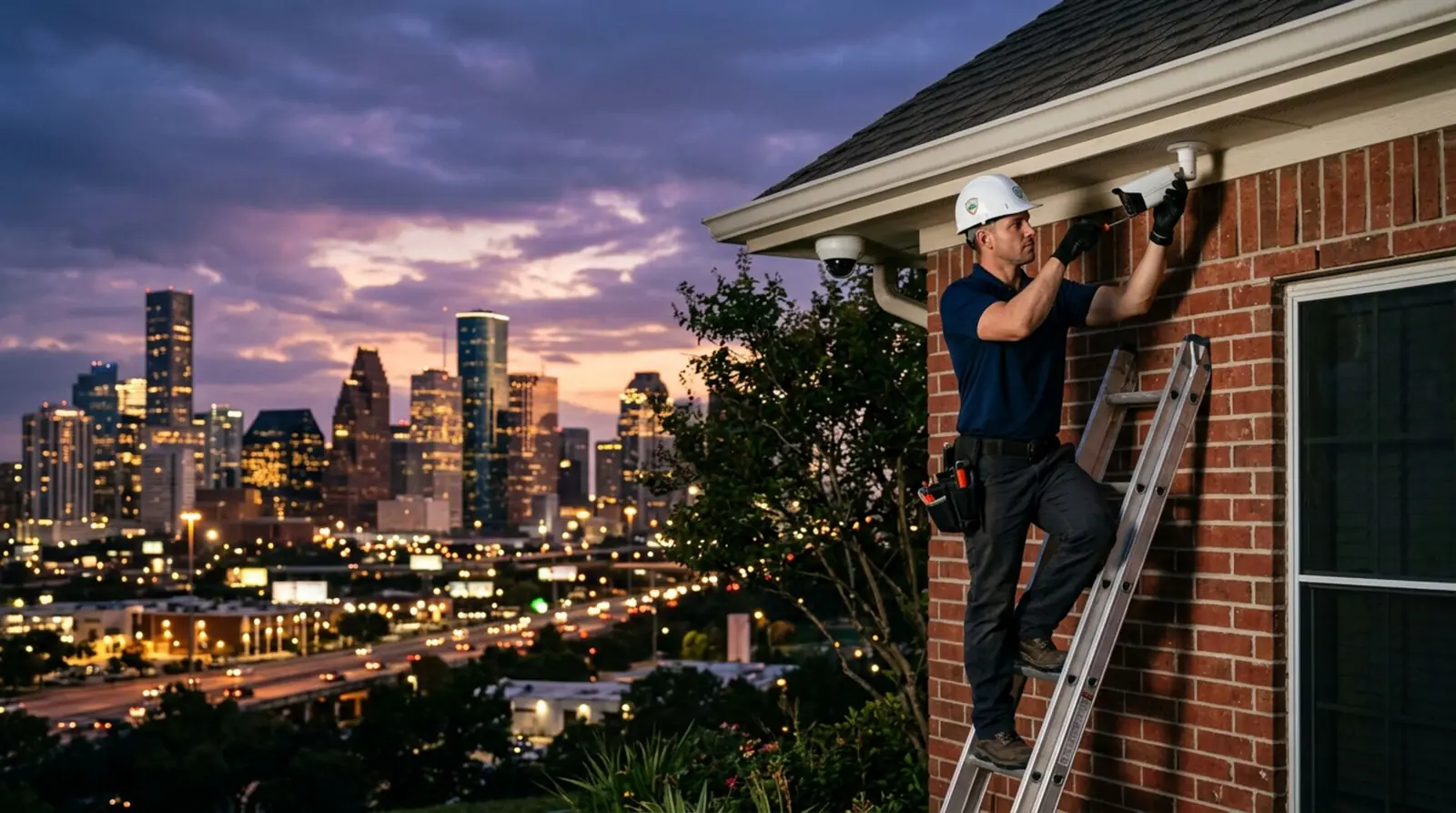
“How much will it cost?” is the first question almost everyone asks — and the honest answer is that it depends on the property. Two homes with the same number of cameras can have very different installation costs because of attic access, wall construction and cable distance. This guide explains the factors so you can understand any quote you receive, including ours.
Published price ranges for Houston
Cost-guide sites publish typical ranges you can use as a starting point. For example, Angi’s Houston cost guide reports that installing security cameras in Houston averages about $200–$300 per camera, and HomeAdvisor’s national guide lists labor at roughly $80–$200 per camera. These are third-party averages, not ROJ prices — your actual cost depends on the factors below.
The 7 factors that drive installation cost
1. Number of cameras
The biggest factor. Each camera adds equipment, a cable run, mounting and configuration. A typical home is covered with 4–8 cameras; commercial properties vary widely.
2. Wired vs. wireless
Wired PoE cameras need a cable to each location, which adds labor, but they’re the most reliable. Wireless cameras reduce cabling but still need power and strong Wi-Fi. See wired vs. wireless cameras.
3. Cable routing difficulty
Single-story homes with open attics are fastest. Two-story homes, low-pitch roofs, brick exteriors, finished garages and runs to detached buildings take longer. New construction before drywall is the cheapest time to wire — see pre-wire.
4. Camera type and resolution
Higher resolution, varifocal lenses, color night vision, PTZ and license-plate cameras cost more than basic fixed cameras. The right choice depends on what each camera needs to see.
5. Recording and storage
An NVR’s storage is sized to camera count, resolution and how many days of footage you keep. Longer retention means more storage. Cloud recording usually adds a monthly fee.
6. Mounting height and access
Warehouses and tall exterior walls may require lifts. High mounts take more time and equipment.
7. Integration
Connecting cameras to an alarm system, access control or a gate adds configuration — but delivers a much more useful system.
Residential vs. commercial cost differences
| Factor | Typical home | Typical business |
|---|---|---|
| Camera count | 4–8 | Varies widely with entrances, interior and lot size |
| Mounting | Eaves, soffits, ladder work | High walls, ceilings, lifts, poles |
| Retention | Often 1–4 weeks | Set by policy, insurer or operations |
| Network | Home router + NVR | Dedicated PoE switches, often separate VLAN |
| Scheduling | Usually one day | May be phased or after hours |
How to compare quotes
- Ask for an itemized list: camera models, recorder, storage size and cabling.
- Confirm whether app setup, testing and a walkthrough are included.
- Ask what happens if a camera fails — warranty and service terms.
- Check whether a monthly fee is required. Local NVR systems typically don’t need one.
- In Texas, security camera and alarm installation is regulated by the Department of Public Safety Private Security Program. Ask the company for its license number.
Get an exact price for your property
ROJ provides free on-site estimates across Houston, Fort Bend and Harris County. We’ll walk the property, recommend a layout and give you a written, itemized quote. Request your estimate or call 346-435-0425.